
Orange gradient cursor
2.0kFree
Upgrade your browsing with the Vibrant Orange Gradient Cursor. This custom cursor offers a seamless orange gradient, merging style with functionality
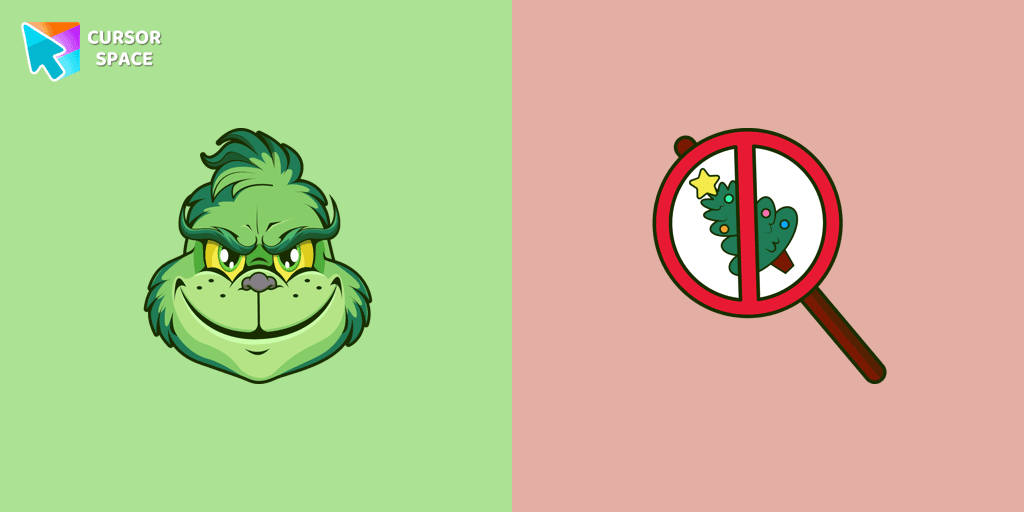
The Grinch is widely recognized as an iconic symbol of Christmas and serves as the central character in both the beloved book and the classic television special. He is known as the resident grouch of Whoville, residing in seclusion high above the cheerful Whos on Mount Crumpit, where he often observes their activities from afar. This well-known character, the Grinch, can be found as a custom cursor for mouse and pointer in our Merry Christmas and Happy New Year custom cursors collection available for Chrome users.
Install the Cursor Space extension for Chrome or Cursor Space for Edge in your browser.
On this page, click "Add this cursor pack to the extension".
Open the extension and go to the Packs tab.
Find the custom cursor pack "Angry Grinch cursor" and click it.
Enjoy!
Get this cursor pack and thousands of others by installing our extension. It's fast and free!
Angry Grinch Cursor is a themed cursor pack you can add to your browser to personalize your pointer across common cursor states (default and pointer). Use it for everyday browsing, streaming, studying, or gaming-anywhere you want your cursor to match your vibe.
See how the cursors look before installing.
Add the pack to the extension in a few clicks.
Designed for Chrome and Edge via the extension.
Quick answers to common questions about cursor packs, collections, and installation.
Yes. To apply cursor packs in Chrome or Edge, install the Cursor Space extension and add this pack to it.
Cursor packs are designed for Chromium browsers like Chrome and Microsoft Edge.
Open the extension, choose another pack or disable the current one to return to your default cursor.
Custom cursor and packs - neon, anime, pixel art. Quickly add to Chrome and Microsoft Edge for free
Upgrade your browsing with the Vibrant Orange Gradient Cursor. This custom cursor offers a seamless orange gradient, merging style with functionality
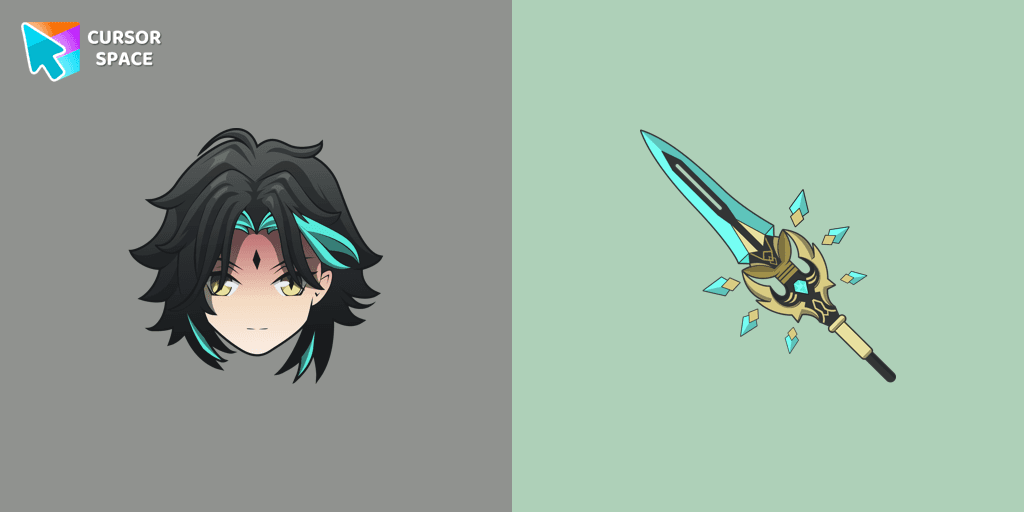
Add Xiao cursor in the collection of custom cursors with Genshin Impact for the browser.


Discover custom cursors from Oreo Purple to anime icons. Make your desktop truly yours with our diverse styles!

Enhance your digital experience with the elegant Bibata Spirit custom cursor, offering sleek design, smooth navigation, and improved visibility

Experience the magic of Sailor Moon with the custom cursor for Google Chrome. Add this unique custom cursor to your gaming for a fun crossover of Among Us and Sailor Moon.

Stay Connected with the Always There Bear Cursor - A Trustworthy Companion
Installation leaders from "Christmas cursors": free packs, neon/anime/pixel art, quick add to Chrome and Edge.
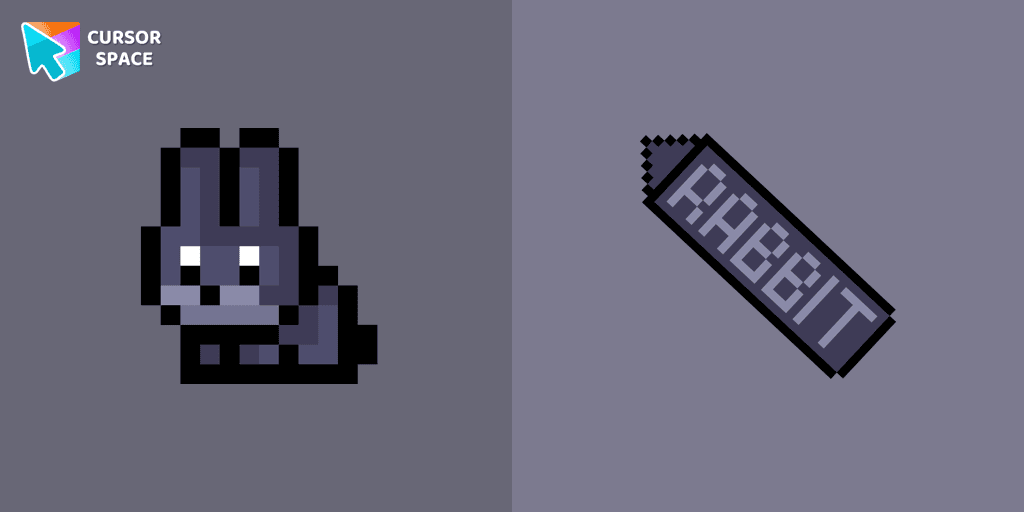
The Black Rabbit cute cursor in pixel style is the perfect addition to your desktop for the holiday season.
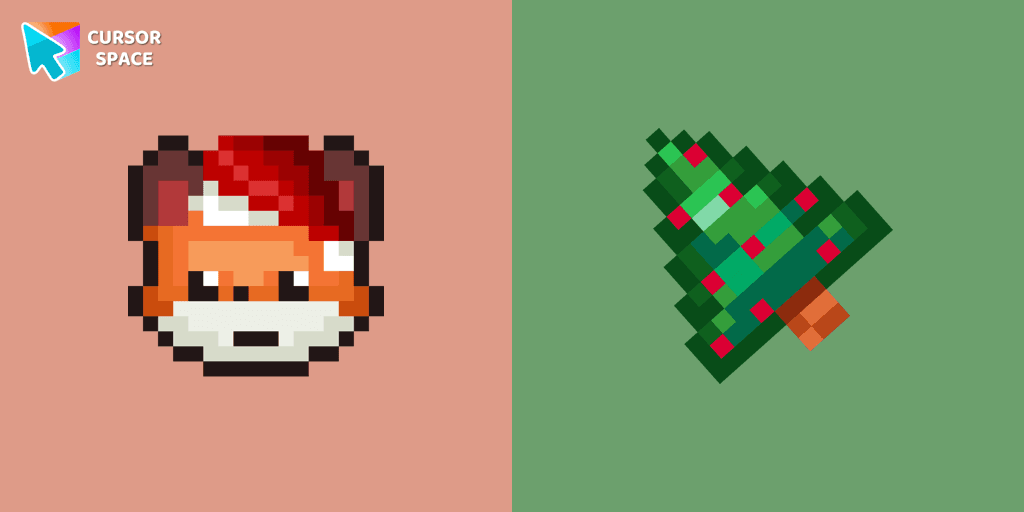
Christmas Fox cursor in pixel style from our Merry Christmas and Happy New Year cursors collection for Chrome is perfect for you.
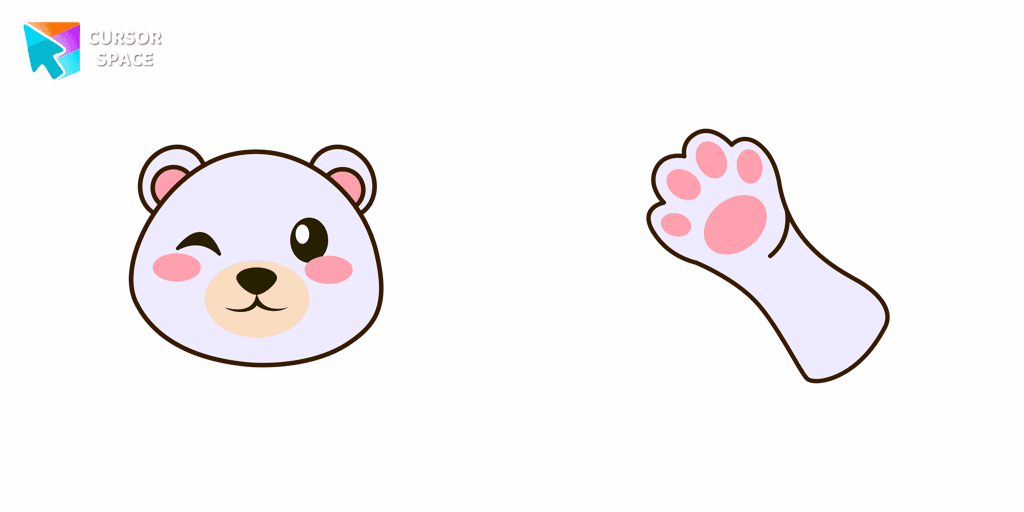
Create a custom cursor with a Polar Bear in Minecraft style, featuring an adorable design from the New Year collection.

Magic Among Us Gingerbread custom cursor for a mouse is a good fan art to decorate your browsing on the new year holidays.
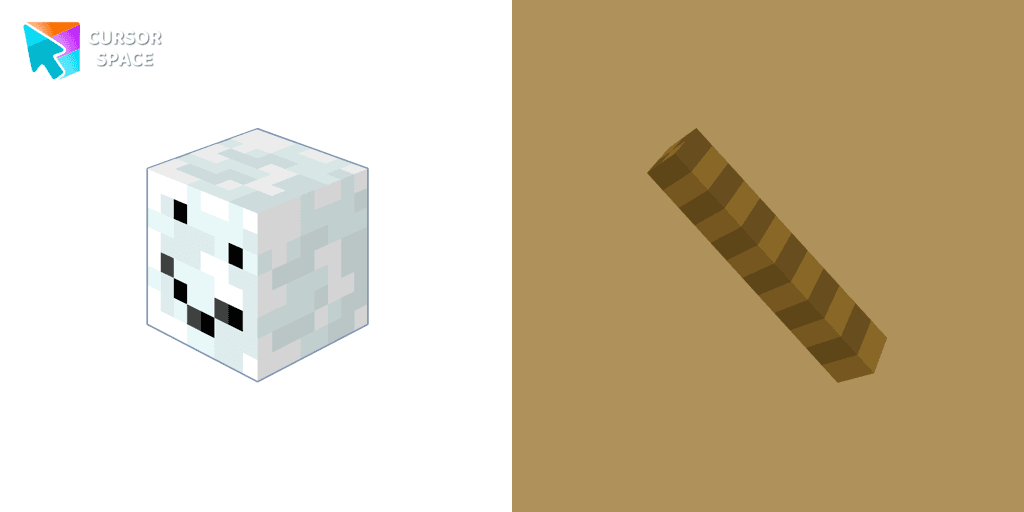
Enhance your browsing experience with the authentic Snowman custom cursor, inspired by Minecraft.
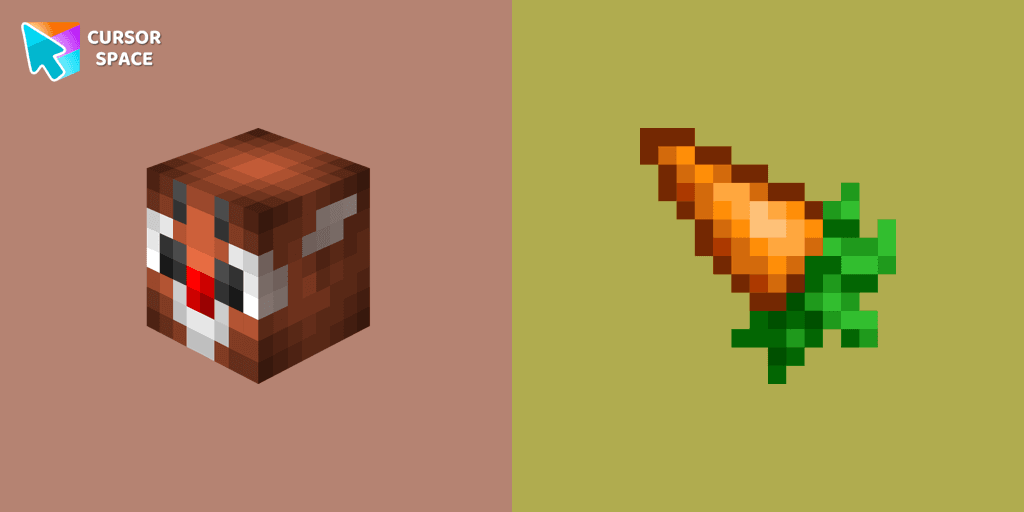
Christmas rabbit custom cursor in Minecraft style is sure to appeal not only to fans of the popular game.

Enjoy the New Year's tradition of toasting with our pixel-style Champagne custom cursor.

Get into the holiday mood with a cute and fun Christmas Gingerbread custom cursor, perfect for bringing a bit of festive joy to your digital experience.
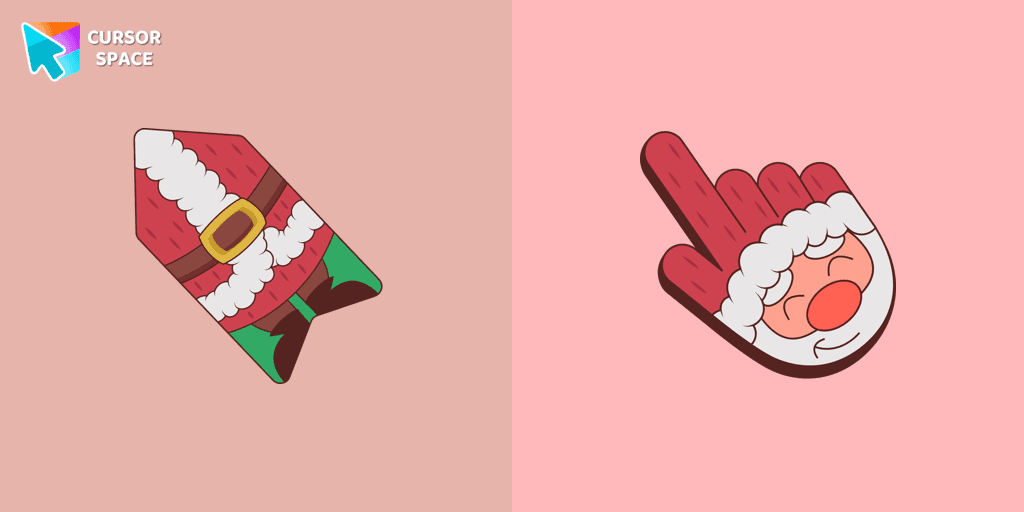
This unique Santa Claus cursor is part of an exclusive collection of festive Merry Christmas and Happy New Year cursors for the Chrome browser.

We have designed the Christmas Deer cursor for the mouse and pointer in a familiar style, enhanced with a New Year's theme.
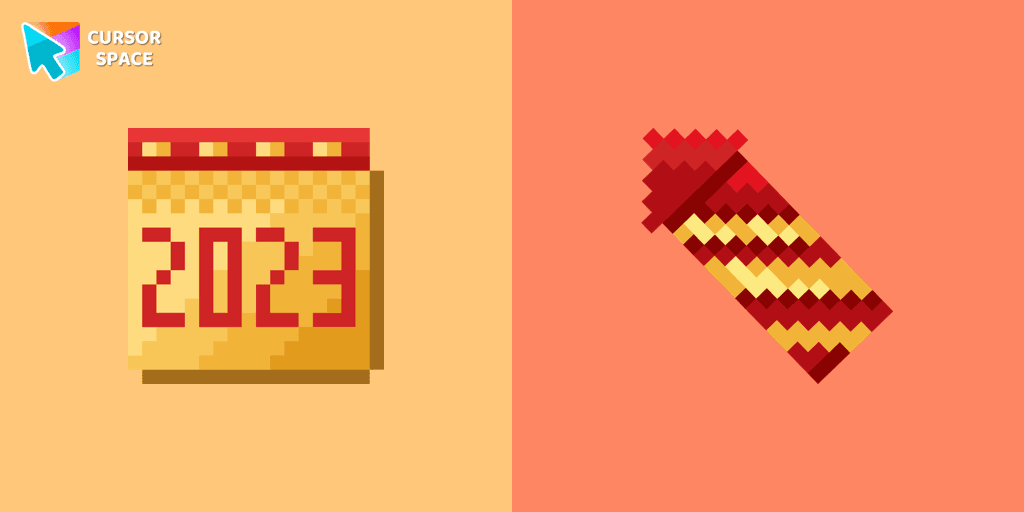
A calendar-themed custom cursor in pixel style is the perfect addition to celebrate the New Year.

The Candy Cane custom mouse cursor is a captivating feature in the Merry Christmas and Happy New Year cursor collection for Chrome.
Add packs instantly and unlock access to thousands of cursors: neon, anime, pixel-art, and more. Fast, safe, and free.
Cursor Space is an extension for changing your mouse cursor in Chrome and Edge browsers: themed collections, HiDPI icons, neon, animated, and pixel cursors, with quick installation.